
How to Build a Motion-Triggered Halloween Projection Jump Scare
Updated: Sep 3
Take your display to the next level: an interactive scare that fires the instant someone walks past or opens a box.
Time: ~45 min · Difficulty: Intermediate · Cost: Medium
What you'll need to set up a Motion Triggered Halloween Projection Jump Scare!
A mini projector with an HDMI input https://amzn.to/4pxfH1F
A NEUMI Atom media player — loops one video and fires another on a trigger (the 1080P model is ideal) https://amzn.to/3Jo1XGd
A motion sensor or push button for the Atom (sold separately, or get the bundle that includes them) https://amzn.to/47zwdHm
A USB stick or SD card (formatted FAT32, exFAT or NTFS), an HDMI cable, and a scrim https://amzn.to/3Stb9xP
A 3.5mm extension cable if you want to place the sensor away from the player https://amzn.to/3UDFeey
A powered speaker (strongly recommended) https://amzn.to/4msn3AP
Your ProjectionCraft loop + scare effects HERE
Step 1 — Understand the trick
An ambient clip loops continuously until the sensor fires, then a trigger clip plays the scare, then it drops back to the loop. You need a player built for this — the NEUMI Atom does it out of the box, looping one video and switching to a second the instant motion is detected.

Step 2 - Prepare your two clips
Pick a loop (something ambient — a ghost drifting in and out) and a trigger (the scare itself). Trim them if you want a tighter moment. Keep them as standard MP4 files — the Atom plays H.264/H.265 MP4 without fuss.
You can have more than 2 clips with multiple jump scares and multiple loops - if you do you need to number them like this:
001trigger.mp4
002trigger.mp4
001loop.mp4
002loop.mp4
The Neumi Player will usually (depending on how you set it up) work though these in order after a jump scare is triggered - 001loop - 001trigger - 002loop - 002trigger then back to the start.
Step 3 - Name the files for the player
Name the continuously-looping video and the scare video as your Atom's manual specifies (typically a loop file and a trigger file) so the player knows what to repeat and what to fire on cue. Follow the naming in the box exactly — it's what makes the trigger work.

Step 4 - Load the media and connect
Copy both files onto your USB stick or SD card, insert it into the Atom, and connect the Atom to your projector's HDMI input. The Atom powers on and starts playing automatically — no remote needed once it's set, which is perfect for a display you switch on and leave.

Step 5 — Set trigger mode
Using the Atom's remote, open Settings and set the sensor input to trigger-play mode. Once configured, it loops your ambient clip and plays the scare whenever the sensor activates, then returns to the loop.
Step 6 — Connect and place the sensor
Plug the motion sensor (or button) into the Atom's SENSOR port. The motion sensor detects movement up to about 25 ft (7.5 m) within a 100° cone, so aim it at the approach path. Need it further from the player? Extend it with a standard 3.5mm extension cable. (The sensor is indoor-use only.)
Step 7 — Hide the sensor at the interaction point
Put the sensor where curiosity leads. A classic: hide it inside a box labelled "Do not open" or "Candy inside" — approaching or opening it fires the scare at the moment they're closest. The sensor mounts neatly through a small (~11 mm) hole in a panel or box, held with adhesive.

Step 8 — Build the scene
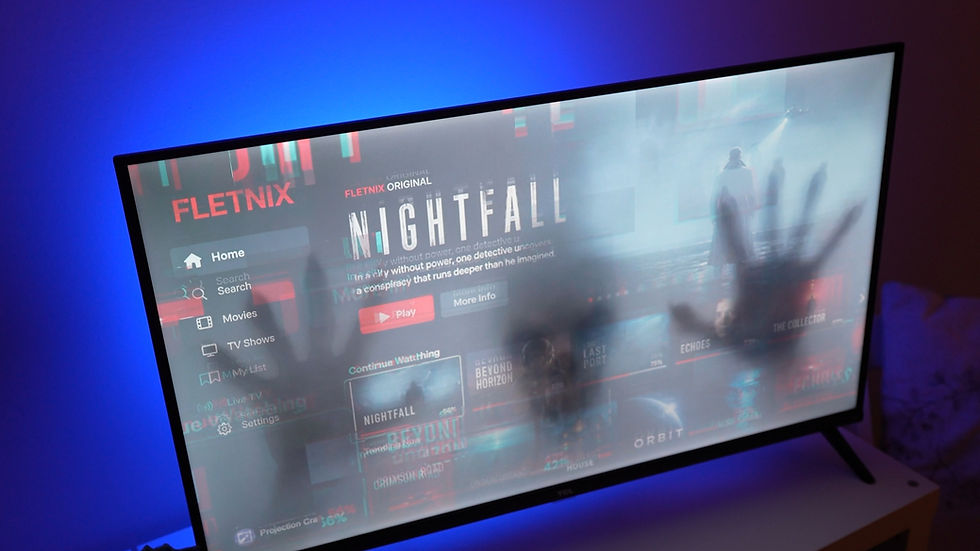
Hang your scrim, add candles behind it for depth, and lower the projector below sightline (see the Window and Scrim guides).

Step 9 — Add real sound
A projector's built-in speaker is rarely scary enough. Run the Atom's audio output into a powered speaker — a jump scare lives or dies on the sound, so don't be shy with the volume.

Step 10 — Test it on a victim
Trigger it yourself first, then try it on someone. Adjust the volume and the sensor position until the timing lands.

The pro touch — placement psychology
The scare works best when they don't see it coming. Hiding the sensor behind a curiosity ("Do not open") means the effect fires when their guard is down and their face is close. That's the moment that gets the scream.
And that's everything you need to create you own motion triggered Halloween projection!
Get the loop + scare pack
Our effects come with matching ambient loops and scare clips, designed for exactly this build.
Gear used
Mini Projector – https://amzn.to/4pxfH1F
Numei Media Player HD – https://amzn.to/3Jo1XGd
Numei Media Player 4k - https://amzn.to/4nXhonH
Alternative player ‘sprite’ - https://amzn.to/3IBFODX
Motion Sensor – https://amzn.to/47zwdHm
HDMI Cable – https://amzn.to/4gxS70s
AtmosFX Halloween Projection Videos – https://bit.ly/4mo8rSU & https://bit.ly/3KuFlUy
Powered Speaker – https://amzn.to/4msn3AP

Comments